
HP Laptop Battery Not Charging or Draining Fast? Fixes and When to Replace
By HP Service Center Indore · · 6 min read
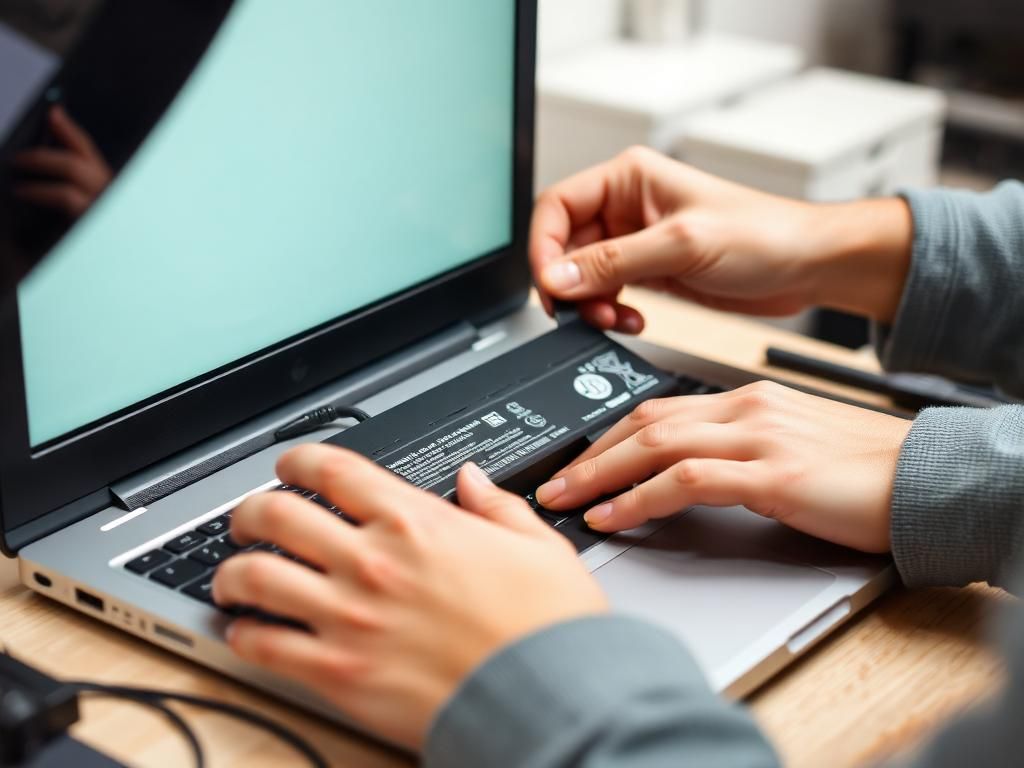
Battery problems usually show up in one of three ways: the laptop will not charge, it says plugged in but not charging, or the charge disappears within an hour. Each has different causes. Work through the checks below before you spend money, and you will either fix it or arrive at a service center knowing exactly what to say.
Step 1: Check the adapter and the socket
- Try a different wall socket or extension board. Voltage fluctuations and loose sockets are common.
- Look along the whole charger cable for kinks, cuts or a loose connector. Check that the charger wattage matches the one supplied with your laptop.
- Some HP laptops use a charger that communicates with the laptop. A cheap non-matching adapter may charge slowly or show plugged in, not charging.
- If you have a friend with the same model, test their charger on yours.
Step 2: Do a power reset
A power reset clears small electrical glitches. Unplug the charger, switch the laptop off and remove any USB devices. If your battery is removable, take it out. Hold the power button for around 15 to 20 seconds, then reconnect the charger (and battery) and try again.
Step 3: Check the battery's health in Windows
Open Command Prompt and type powercfg /batteryreport, then press Enter. Windows saves an HTML report and shows where it was saved. Open it and compare Design Capacity with Full Charge Capacity. If the full charge capacity is far below the design capacity, the battery has worn out and no setting will bring it back.
You can also run the battery test in HP PC Hardware Diagnostics UEFI by restarting the laptop and pressing F2 as it starts.
Step 4: Reinstall the battery driver
In Device Manager, expand Batteries, right-click Microsoft ACPI-Compliant Control Method Battery, choose Uninstall device and restart the laptop. Windows reinstalls it automatically. This fixes cases where the battery is healthy but Windows shows the wrong status.
When it needs a repair or replacement
Important: if you suspect a swollen battery, stop using and charging the laptop immediately and get it checked. A swollen battery is a safety risk and should not be used or punctured.
- Battery report shows very low full charge capacity, or the laptop shuts down at 20 to 40 percent.
- The laptop only works while plugged in.
- The charger works on another laptop but not on yours, which can mean a damaged DC jack or charging circuit on the motherboard.
- The battery is physically bulging, or the touchpad or base looks lifted.
Protect your battery in Indore's heat
Heat is one of the biggest causes of battery wear, and Indore summers are tough on laptops.
- Do not charge or use the laptop on a bed, sofa or pillow that blocks the vents.
- Avoid leaving the laptop in a parked car or in direct sunlight.
- If you mostly work plugged in, unplug occasionally and avoid keeping it at 100 percent all day on a hot desk.
- Use the original or a properly matched charger.
HP battery and charging repair in Indore
We test the battery, adapter, DC jack and charging circuit separately so you only pay for the part that is actually faulty. Call 9893530207 or message your model number on WhatsApp.
Frequently asked questions
How long does an HP laptop battery last?
Most laptop batteries slowly lose capacity over a few years of regular use. Heat, heavy charging habits and constant use at 100 percent can shorten that, so there is no single fixed lifespan.
Is it safe to use a swollen laptop battery?
No. Stop using and charging the laptop and have the battery inspected and replaced by a technician.