
HP Laptop Not Turning On? What to Check Before Dead Laptop Repair
By HP Service Center Indore · · 6 min read
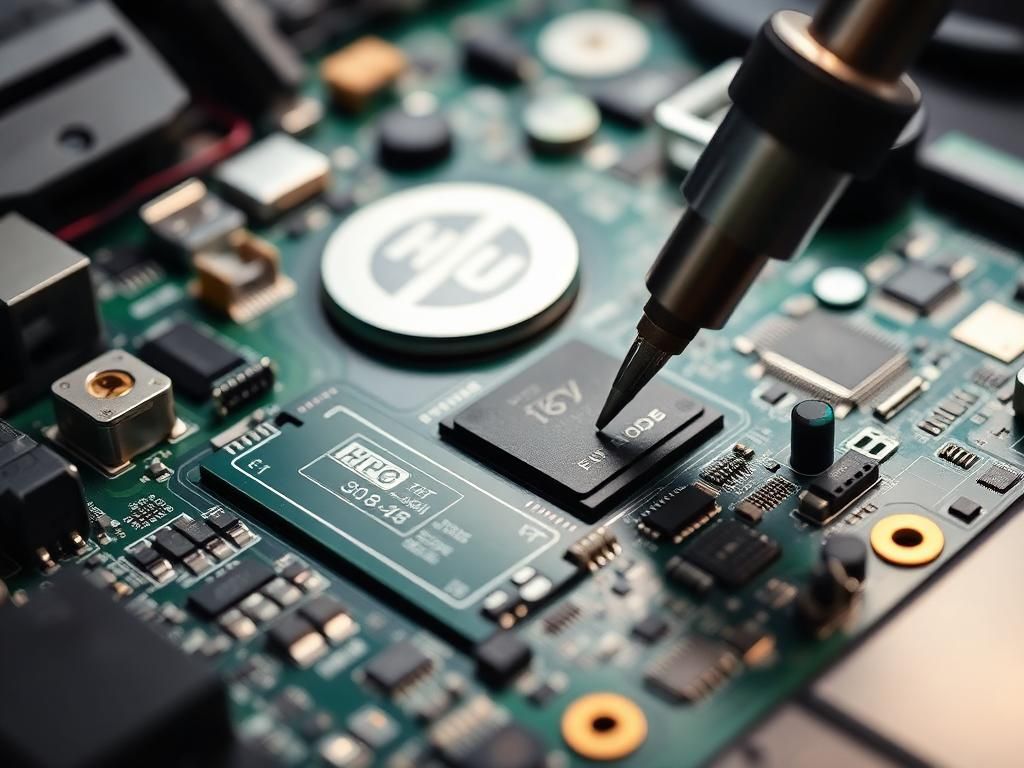
A laptop that will not turn on is stressful, especially when your work or documents are inside. Before assuming the worst, it helps to know that a dead-looking laptop often has a simple cause. And even when the fault is serious, your data can usually be saved. Here is how to narrow down the problem step by step.
First, is it really dead or just no display?
Press the power button and watch and listen. Do the fan or keyboard lights come on? Does the charging light glow? If the fan spins but the screen is black, you may have a display, RAM or graphics issue rather than a completely dead laptop. Shine a torch at the screen at an angle and check whether you can faintly see the desktop, and test with an external monitor over HDMI.
Basic checks that fix many cases
- Try another wall socket and, if possible, another matching charger.
- Unplug everything: USB drives, printers, SD cards and docks.
- Do a power reset by holding the power button for about 15 to 20 seconds with the charger and any removable battery disconnected, then reconnect and try again.
- Leave the laptop connected to the charger for 15 to 20 minutes, since a completely drained battery can take a while to show signs of life.
- Look at the Caps Lock and Num Lock lights. Some HP models blink them in a pattern when something is wrong. Note down the pattern, as it helps diagnosis.
Common causes of a dead HP laptop
- Faulty adapter or damaged charging cable
- Worn out or failed battery
- Loose or damaged DC charging jack
- RAM not making proper contact
- Corrupted BIOS after a failed update or sudden power cut
- Power circuit or short-circuit fault on the motherboard
- Liquid damage that has corroded parts of the board
If you spilled liquid
Switch the laptop off immediately, unplug the charger and do not try to start it again to see whether it works. Do not dry it with a hair dryer. Bring it in as soon as possible, because sugary drinks such as tea and cold drinks can corrode the board quickly.
How technicians diagnose dead laptops
A proper diagnosis follows the power path. The adapter, battery and charging port are tested first, then the voltage lines and power ICs on the motherboard, then the BIOS chip and memory. This approach pinpoints which part has failed, which is how a repair can be limited to a small component instead of an expensive full board replacement.
Can the data be saved?
In many cases, yes. Even when the motherboard fails, the storage drive is usually a separate component and can be read separately if it is healthy. Tell the technician that your data matters before any repair begins, and avoid repeated attempts to power on a laptop that you suspect has a short circuit.
Dead HP laptop repair in Indore
If your HP laptop is not starting, call 9893530207 or message us on WhatsApp with the model and what happens when you press the power button. Bring the charger along so the adapter can be tested too.
Frequently asked questions
Does a dead laptop always mean motherboard failure?
No. Many cases turn out to be the charger, battery, DC jack, RAM or BIOS. The motherboard should only be blamed after these are tested.
Can I recover my files from a laptop that will not turn on?
Often yes. If the storage drive itself is healthy, the files can usually be accessed or copied even if the laptop cannot start.