
HP Laptop Screen Replacement in Indore: Signs, Process & What to Expect
By HP Service Center Indore · · 5 min read
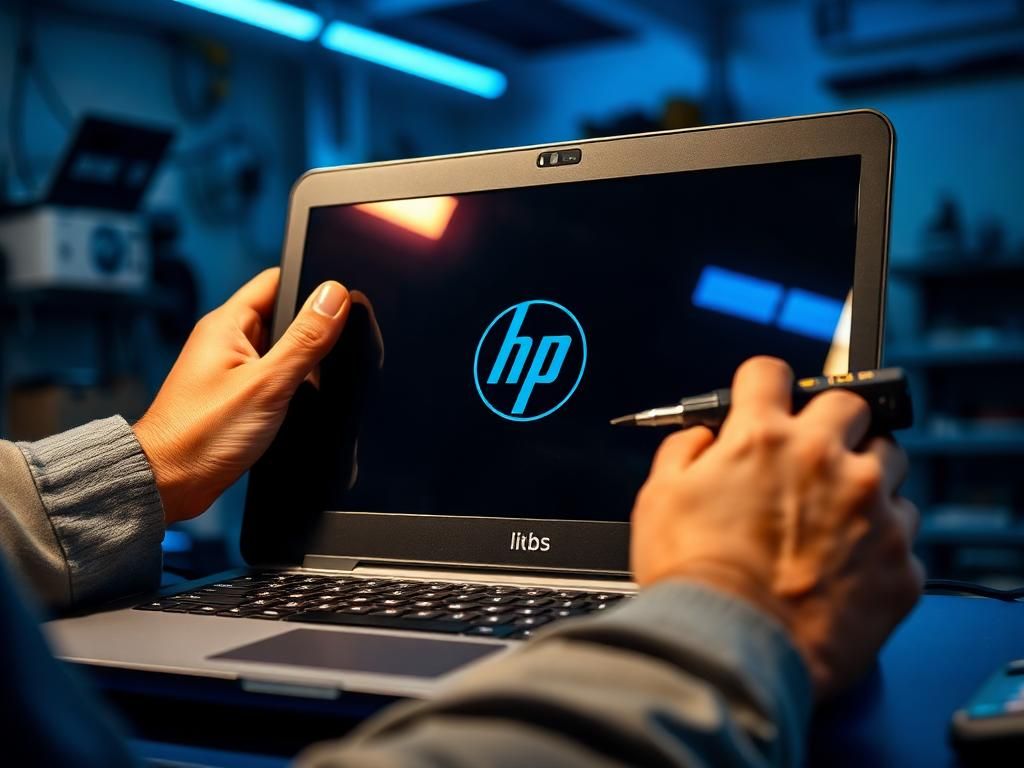
A damaged display is one of the most common reasons people visit an HP service center in Indore. The good news is that a screen problem rarely means the whole laptop is finished. This guide explains how to tell what is actually wrong, what a replacement involves and what you can do today to avoid making it worse.
Signs your HP laptop screen needs replacement
Not every display problem needs a new panel, but these symptoms usually point to a damaged screen:
- Cracks, spider-web patterns or black ink-like patches that keep spreading
- Vertical or horizontal coloured lines across the display
- Flickering, flashing or a picture that disappears when you move the lid
- A very dim display where you can faintly see the image with a torch (a backlight problem)
- Touch not responding on touchscreen models, even after a restart
Is it the panel, the cable, or the motherboard?
Before any part is replaced, the fault should be confirmed. A simple test is to connect your HP laptop to an external monitor or TV using the HDMI port. If the external screen looks perfect, your graphics hardware and motherboard are likely fine and the problem is in the panel, the display cable or the backlight.
If the external screen is also blank or distorted, the issue is deeper and may need motherboard-level diagnosis. This is why a proper check matters more than guessing, and it can save you from paying for a screen you did not need.
How an HP laptop screen replacement works
Replacing a screen does not touch your hard drive or SSD, so your files, photos and documents are not affected.
- Diagnosis: the fault is confirmed and the display cable and hinges are inspected.
- Panel matching: the screen size (for example 14 or 15.6 inch), resolution (HD or Full HD), connector type and touch or non-touch version must match your model.
- Replacement: the bezel is opened carefully, the old panel is removed and the new one is fitted and secured.
- Testing: brightness, colour, dead pixels, lines and touch response (if applicable) are checked before you take the laptop back.
Find your exact model before you call
Flip your laptop over and look at the sticker or label for the model name and product number. You can also press the Windows key, type System Information and read the System Model. Sending this, along with a clear photo of the damaged screen, on WhatsApp helps us tell you quickly whether the panel is likely to be available.
What affects the cost and time
The price depends on screen size, resolution, panel type, whether the laptop has touch and how common your model is. A clear quote is possible only after checking the model, so be careful of anyone who gives a fixed price without asking for it.
If the right panel is in stock, a replacement can often be completed quickly. If it has to be arranged for a less common model, it takes longer. We will tell you the expected time before any work begins.
What to do until the repair
- Do not press on the cracked area or keep using the laptop with loose glass, as small pieces can be sharp.
- Close the lid gently and never place a pen, earphones or a charger on the keyboard before closing it. This is a very common cause of cracked displays.
- If you need your files urgently, connect an external monitor and back up your data.
- Carry the laptop in a padded sleeve rather than loose in a crowded bag.
Need HP screen replacement in Indore?
Our HP Service Center is near Kalani Nagar Square, Anjani Nagar, Sukhdev Nagar Road, and customers visit us from Vijay Nagar, Palasia, Bhanwarkuan, Rajendra Nagar and across Indore. Call 9893530207 or send your model number and a photo on WhatsApp for a quick assessment.
Frequently asked questions
Can I replace my HP laptop screen myself?
It is possible on some models, but the wrong panel, a damaged display cable or broken bezel clips are common mistakes. If you are not experienced, it is safer to have it done at a service center.
Will I lose my data during screen replacement?
No. The screen is separate from your storage drive, so a screen replacement does not delete your files.